Settings, Privacy, and Support
To open Settings, tap the three-dot menu in the top right of the home screen (Your Accounts) and select Settings.
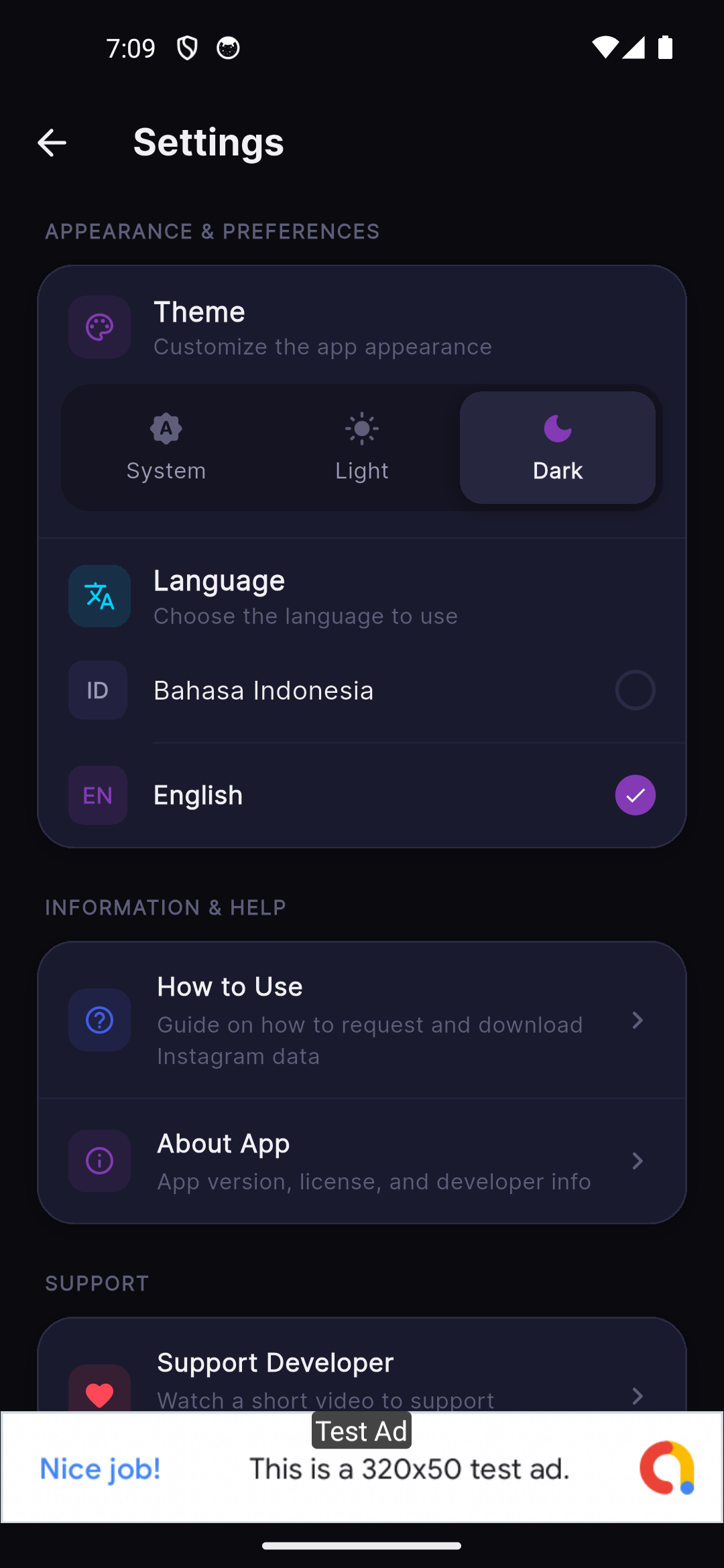
Appearance & Preferences
- Theme: switch between System, Light, and Dark mode.
- Language: switch the app interface between English and Bahasa Indonesia.
Information, Help, and Support
- How to Use: shortcut to the guide on requesting and downloading your Instagram data archive.
- Support Developer: optional way to support ongoing development.
- About: shows the current app version, license, and Awan Digitals developer info.
Privacy & Disclaimer
- All ZIP parsing and SQLite storage happen 100% locally on your device. Your Instagram export data is never uploaded to our servers.
- IGE Analyzer is an independent utility built by Awan Digitals and is not affiliated with, sponsored by, or endorsed by Instagram or Meta Platforms, Inc.
Contact Support
If you have questions or feedback regarding IGE Analyzer, reach out to our team at: