Exporting Instagram Data & Uploading ZIP
To keep your account safe without ever logging in, IGE Analyzer reads the official .zip archive you download directly from Instagram.
How to Download Your Data from Instagram
- Open the Instagram app and go to your profile.
- Tap the three-line menu in the top right and open Accounts Center.
- Go to Your information and permissions > Download your information.
- Select the Instagram account you want to analyze and choose Some of your information.
- Check at least these sections so every feature in IGE Analyzer works:
- Followers and following
- Likes
- Comments
- Choose Download to device, set the date range (All time is recommended), and make sure Format is set to JSON (not HTML).
- Submit the request. Once Instagram notifies you that the export is ready, download the
.zipfile to your phone.
Files Read by IGE Analyzer
When processing your .zip archive offline, the app reads these four data sets automatically:
| Data Type | Files Inside the ZIP | Used For |
|---|---|---|
| Followers | followers_1.json, followers_2.json, etc. | Followers list, Fans, Mutuals, & Session Comparison |
| Following | following.json | Following list & Not Following Back |
| Likes | liked_posts.json | Top Liked Accounts & monthly Activity Chart |
| Comments | post_comments_*.json | Total comments & monthly Activity Chart |
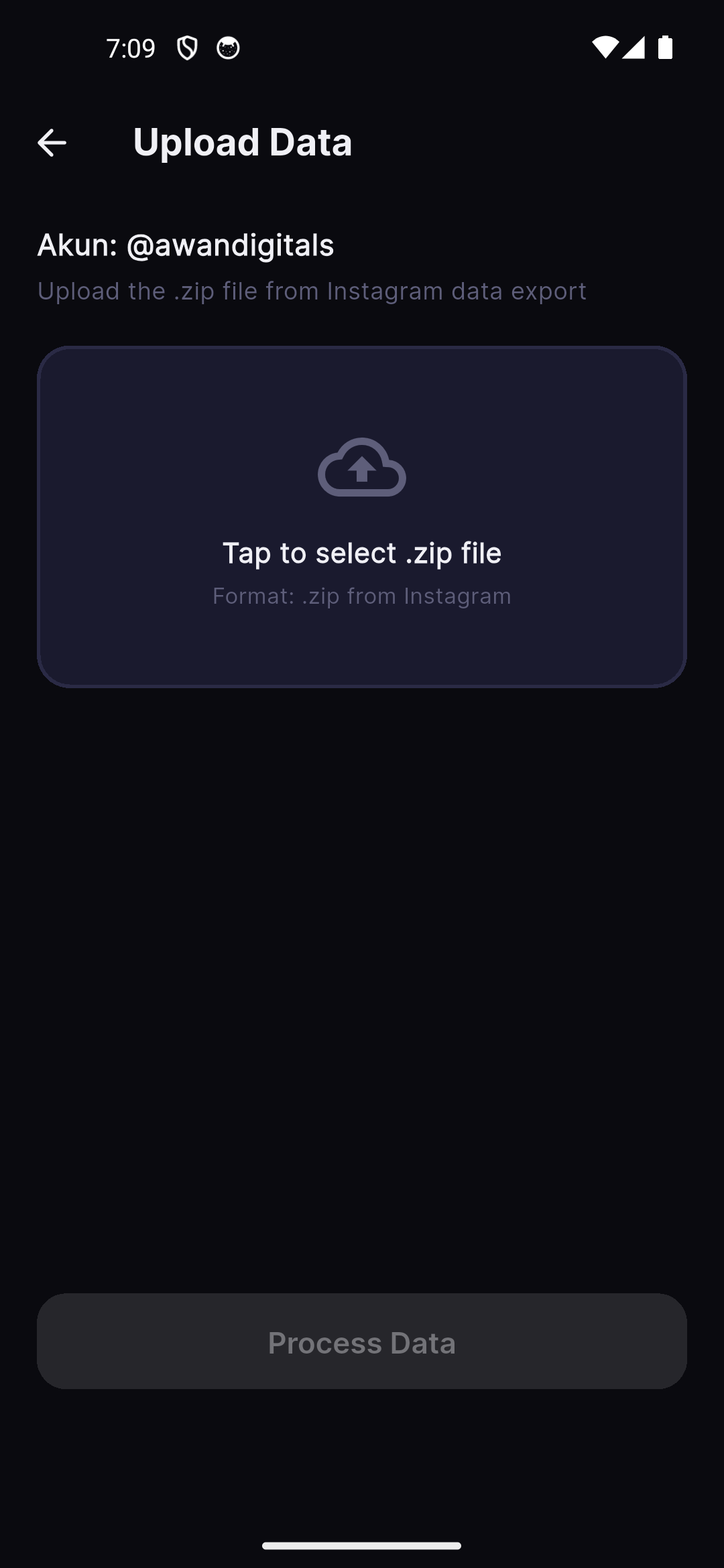
Uploading the ZIP File in IGE Analyzer
- Open your account in IGE Analyzer and tap Upload New Data (or the Upload Data button at the bottom right of the Dashboard).
- Tap Tap to select .zip file and pick the Instagram
.ziparchive from your device. - Tap Process Data, then confirm in the dialog by tapping Yes, Process.
- Wait a few seconds while the app parses the archive and saves the session to your local database.